
AI Editorial Assistant
OJS AI Assistant
Intelligent AI Assistant with Native Function Calling Inside OJS Dashboard
OJS AI Assistant integrates an interactive chat panel directly into the OJS backend workflow. Powered by native function calling, it allows editors to search submissions, inspect metadata completeness, track reviewer workloads, summarize recommendations, and perform security audits.
$28
Full compatibility with OJS 3.x
Complete installation & configuration guide
Follows PKP OJS security best practices
PLUGIN PREVIEW
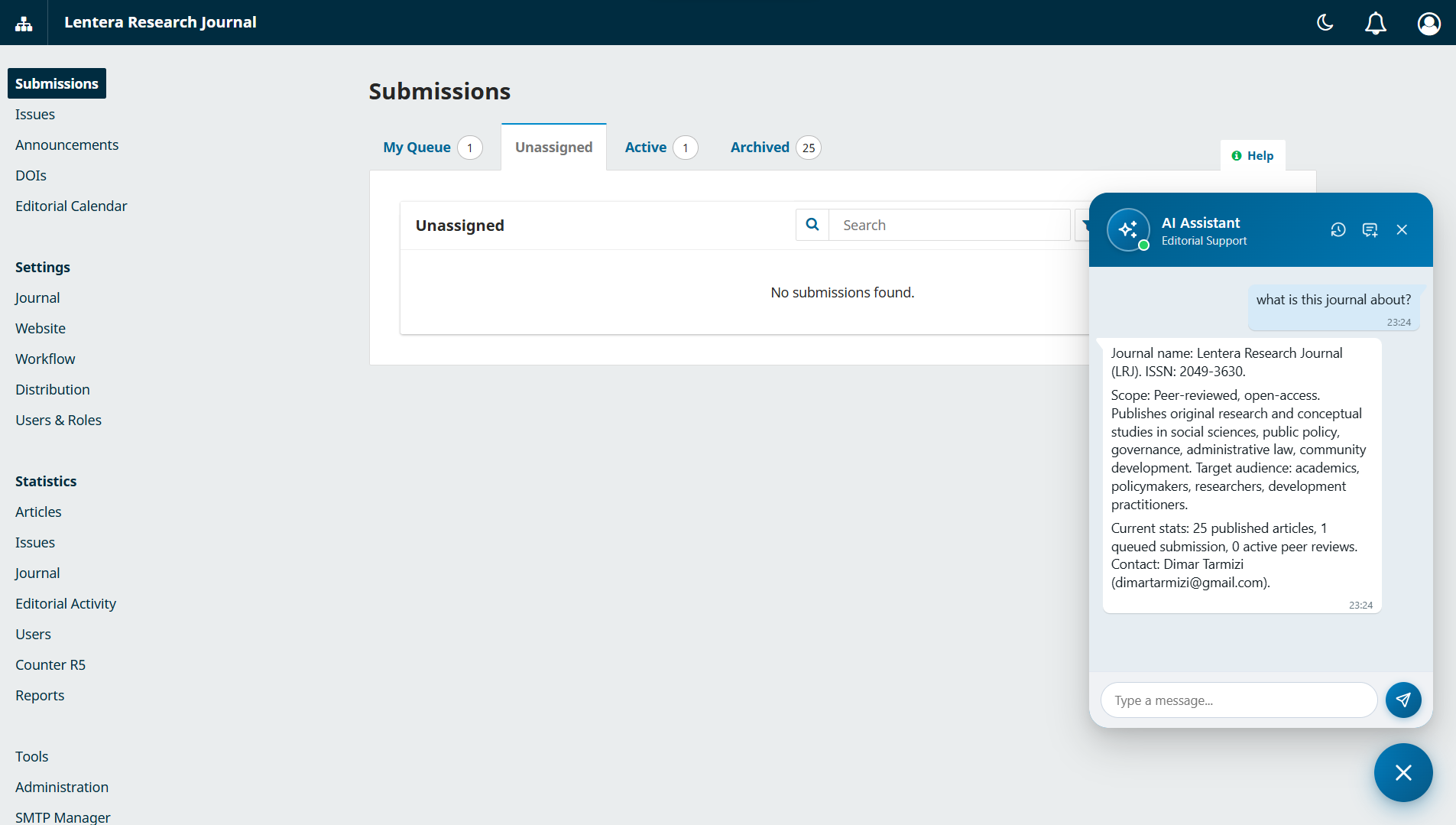
KEY FEATURES & CAPABILITIES
Editorial Widget Interface
- Floating chat panel integrated across OJS backend dashboard
- Isolated conversation sessions per user account and journal context
- Markdown rendering, real-time status badges, and one-click copy
- Customizable assistant persona adapted to editorial requirements
Native Function Calling Tools
- Query and filter submissions across all editorial workflow stages
- Inspect metadata completeness, references, DOIs, pages, and authors
- Evaluate reviewer workloads and summarize peer-review recommendations
- Overdue review tracking and system security anomaly audits
AI Engine & Security
- Direct connectivity to modern LLM APIs using your own API key
- Autonomous multi-turn tool calling with structured grounded answers
- Strict OJS Role-Based Access Control (RBAC) and CSRF protection
- Complete IDOR isolation on conversation sessions and message logs
TECHNICAL SPECIFICATIONS
Supported PKP OJS VersionsOJS 3.3.x, OJS 3.4.x
PHP VersionsPHP 8.0 / PHP 8.1 / PHP 8.2 / PHP 8.3 / PHP 8.4
Deployment MethodDirect Installation & Setup by Our Engineers
OTHER PLUGINS
Back to Plugin Catalog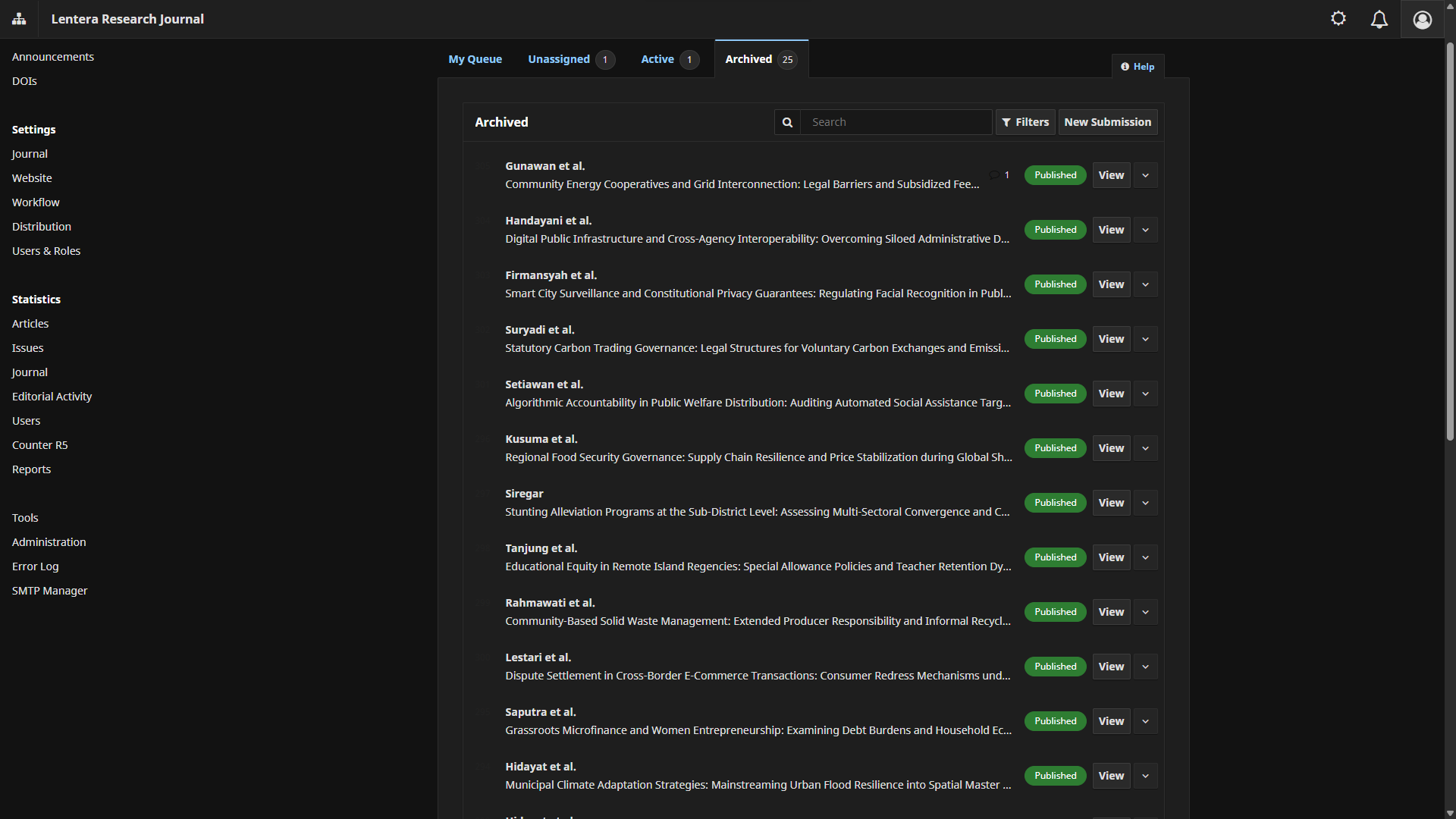
Editorial UI
OJS Dashboard Dark Mode
Sleek dark mode theme for OJS editorial dashboard, reducing eye strain during long editorial reviews.
FreeView Details
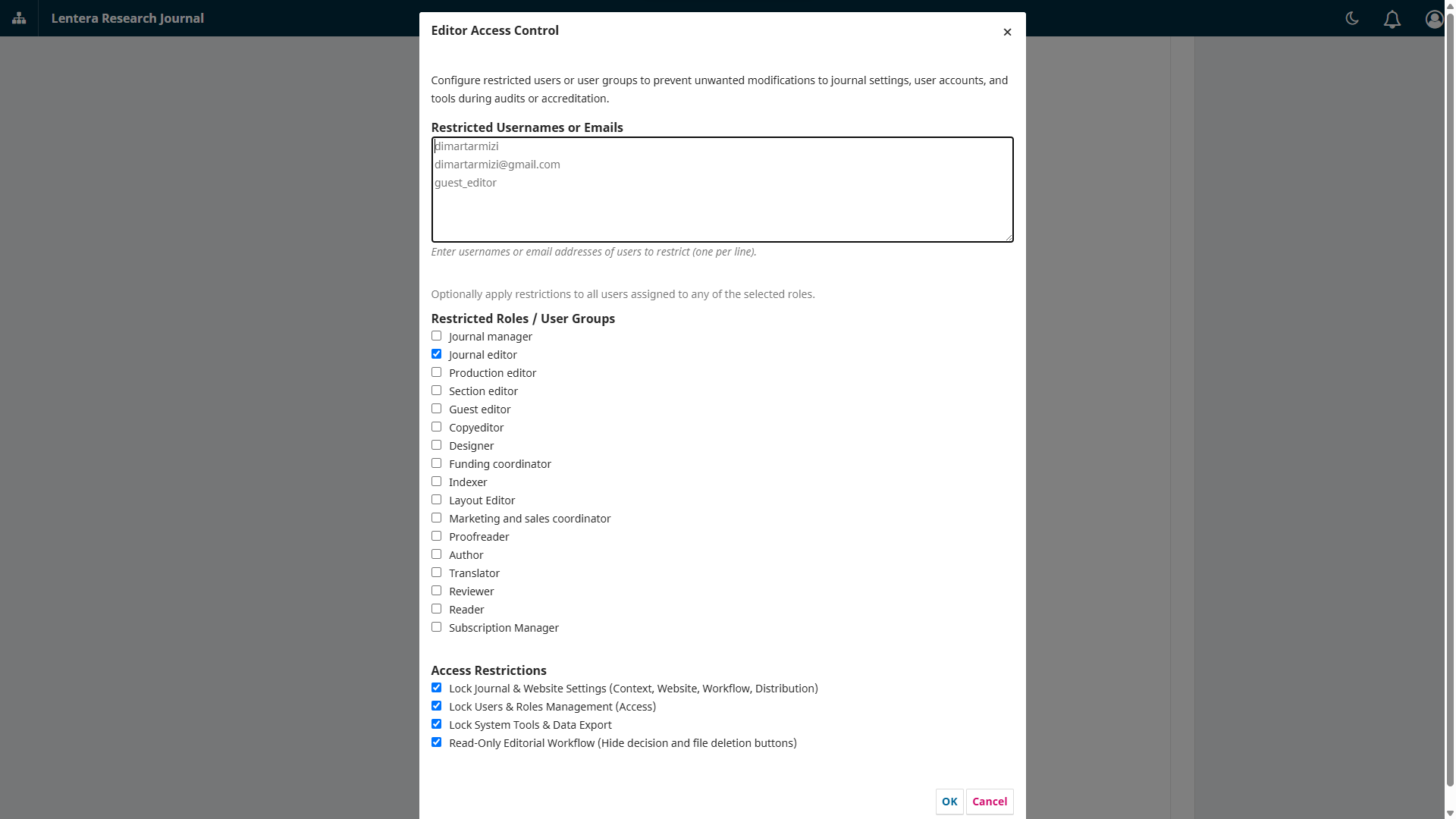
Role Security
OJS Editor Access Control
Grants editorial workflow access to editors while strictly blocking managerial settings and user impersonation.
FreeView Details